What is SheetHero?
Explore all Pisarski Code Studio toolsSheetHero is a desktop software application designed to automate the creation of professional PDF reports from Microsoft Excel spreadsheets.
The software enables users to import multiple Excel files, organize worksheets, customize document layouts and generate consistent PDF documents without manual formatting.
Excel to PDF Automation Features
Multi-file Excel Import
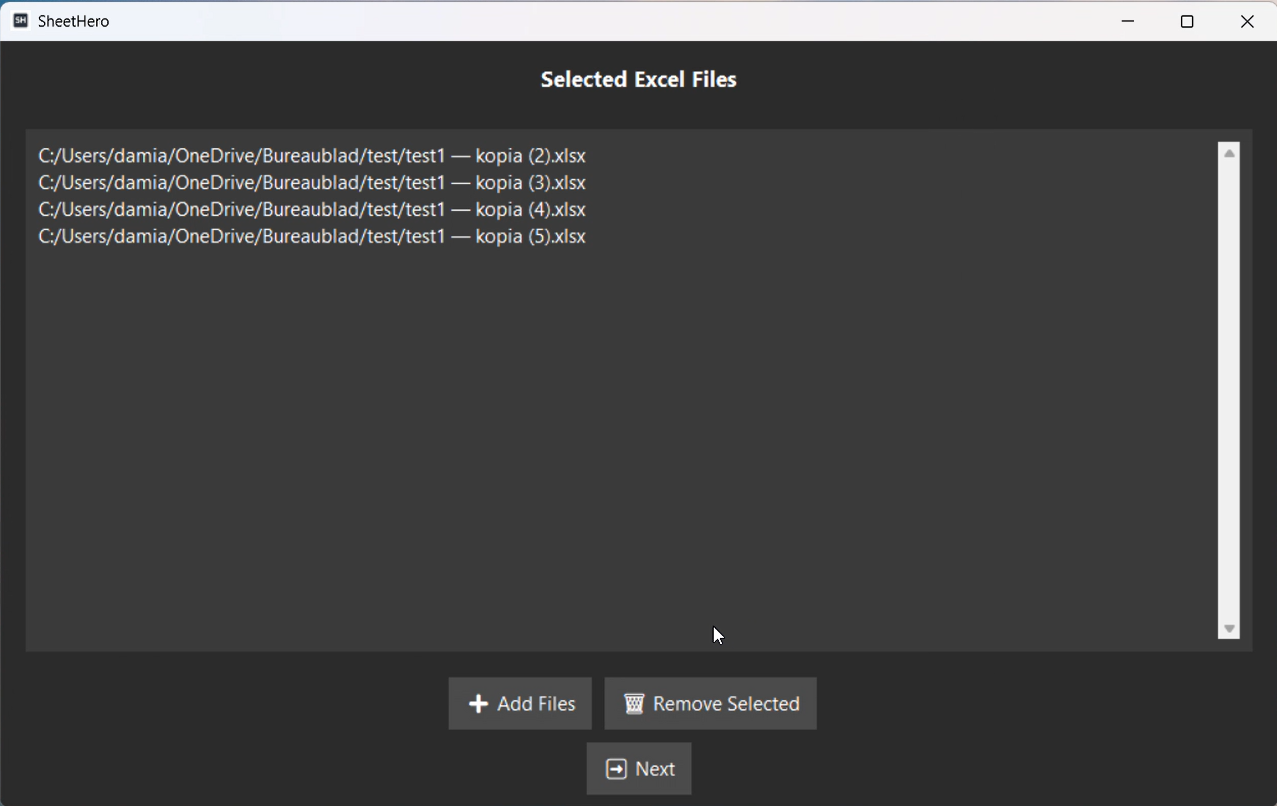
Import multiple Excel workbooks into a single project and combine data from different sources.
Worksheet Preview
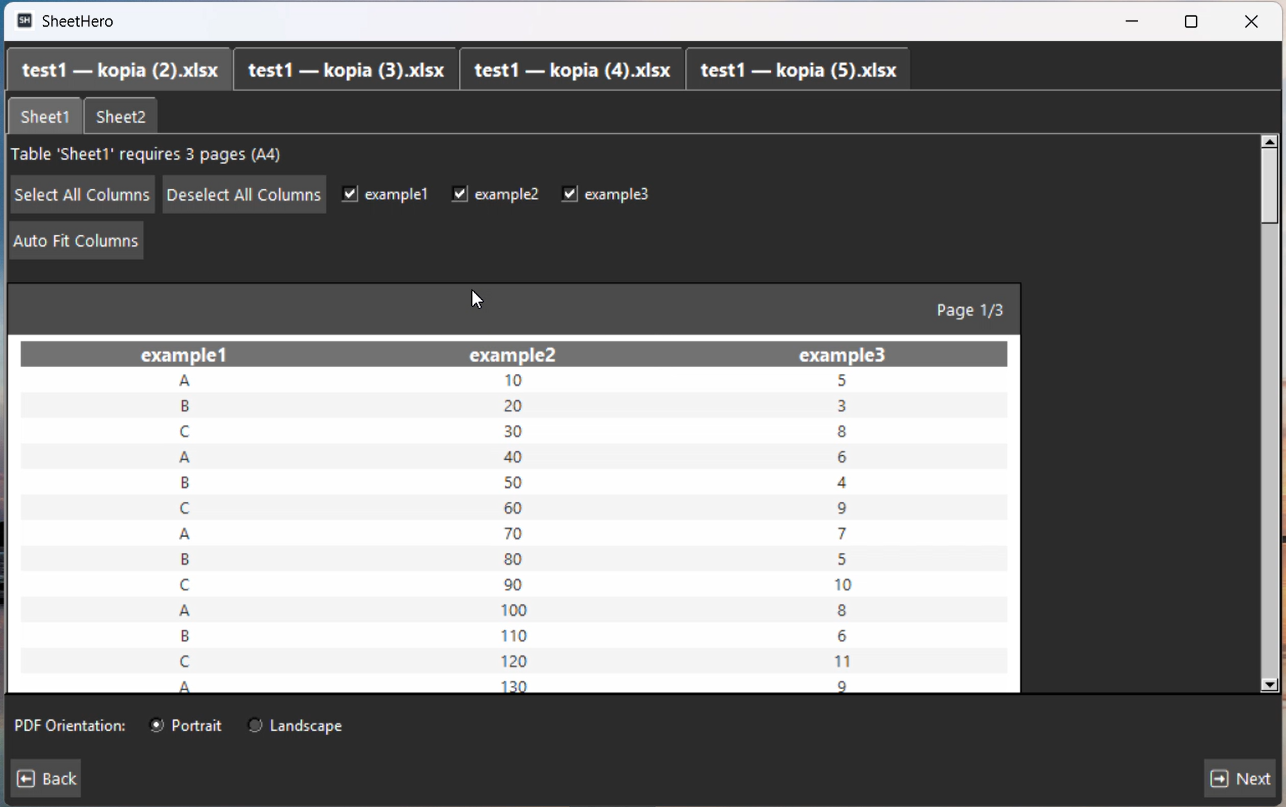
Preview spreadsheet content before generating the final PDF document.
Column Visibility Control
Choose which columns should appear in the final report.
Automatic Page Splitting
Automatically divide large reports into readable pages.
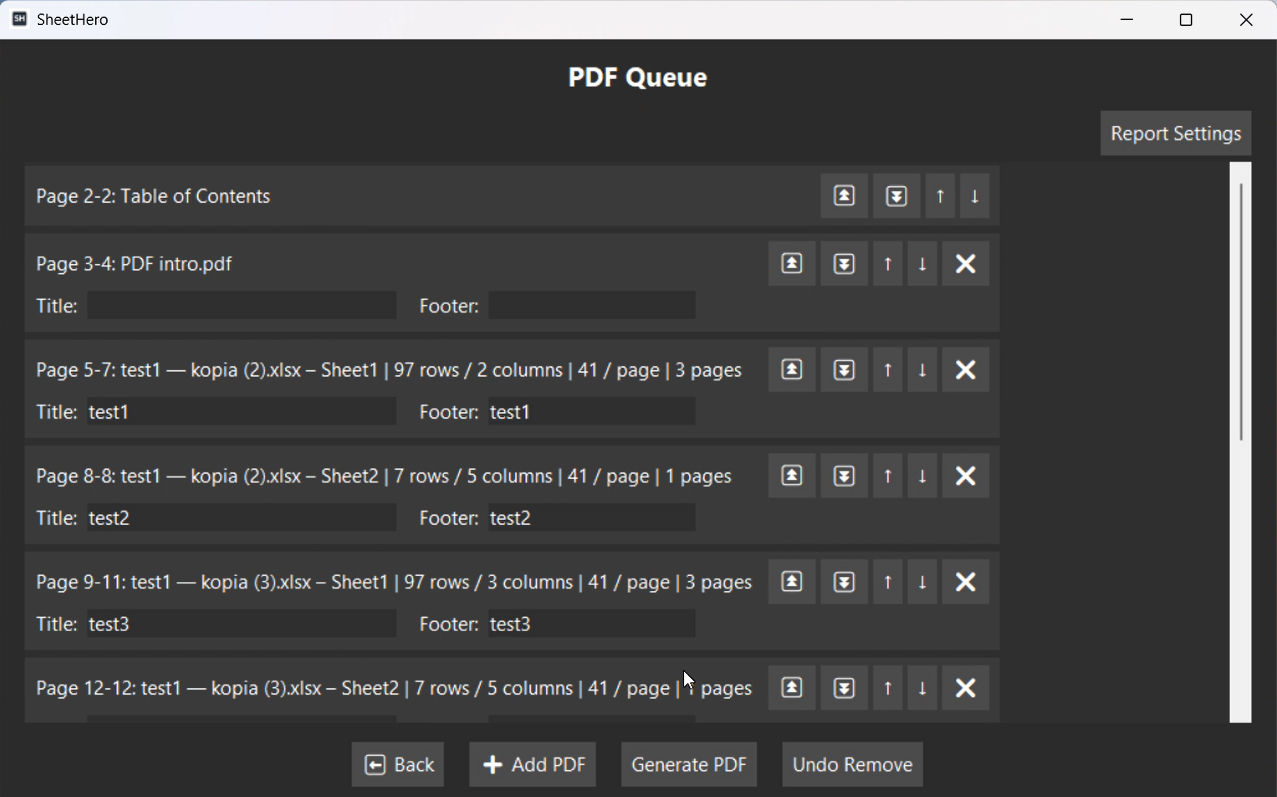
Custom Headers and Footers
Create professional documents with personalized headers and footers.
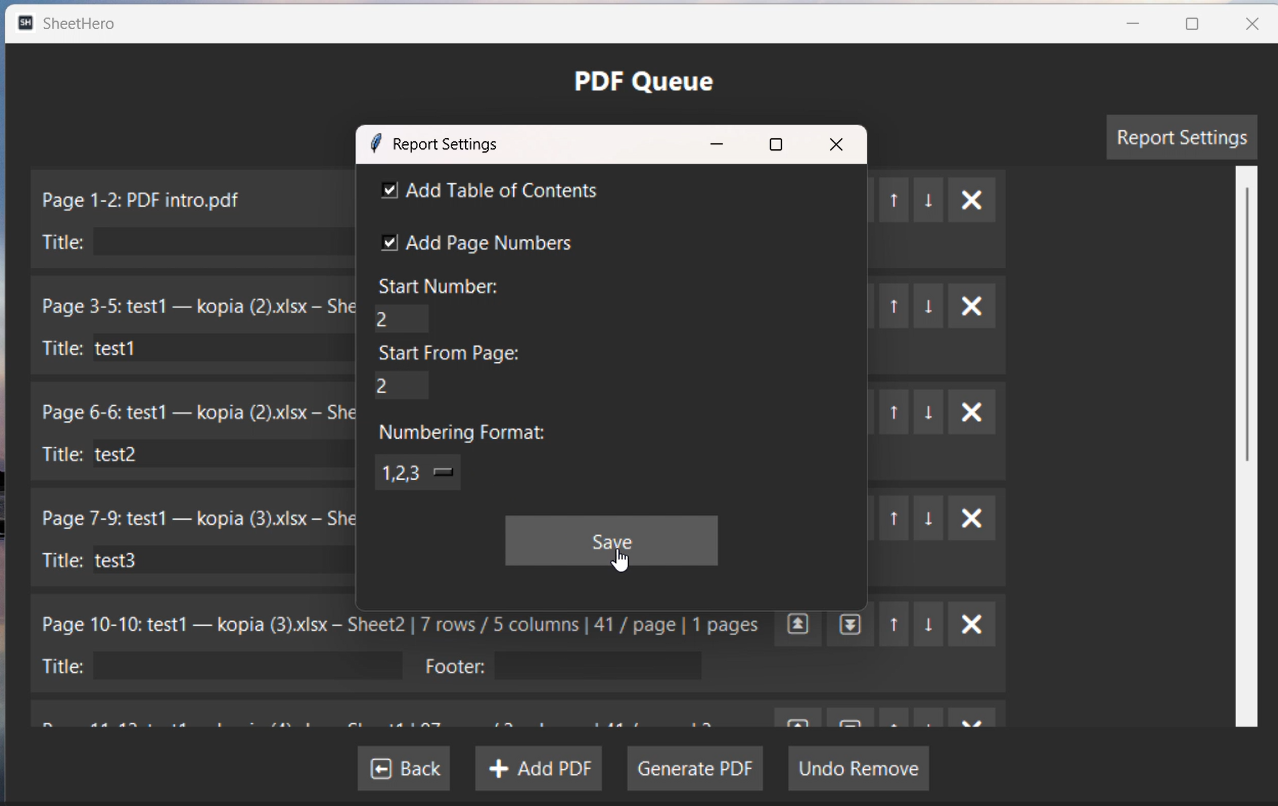
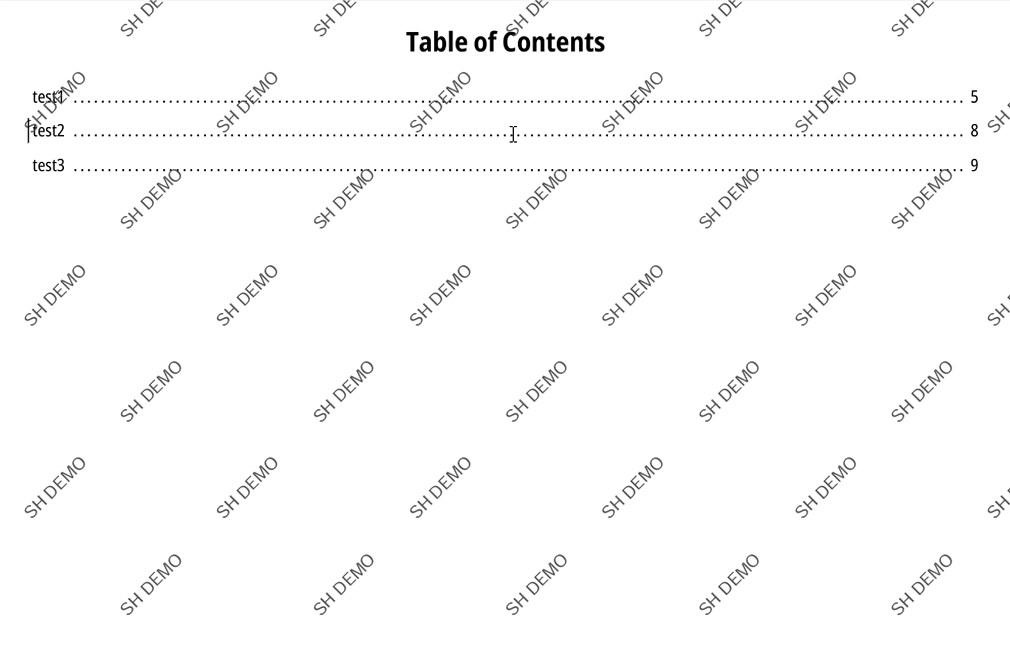
Table of Contents
Generate structured PDF reports with automatic navigation.
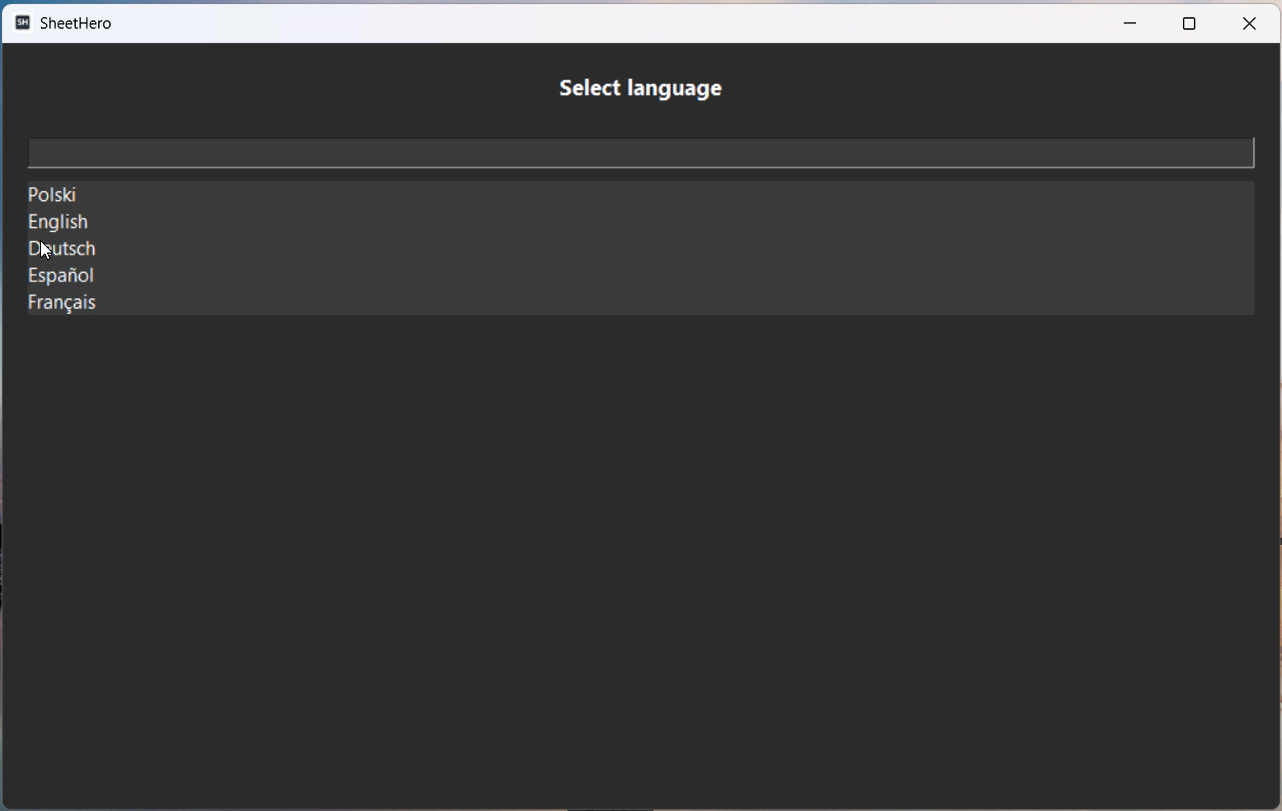
Multi-language Interface
Use the application in different languages.
Excel Reporting Automation Use Cases
Business Reporting
Generate management and operational reports directly from Excel files.
Accounting
Create financial reports ready for printing and distribution.
Engineering Documentation
Convert technical spreadsheets into organized PDF documentation.
Project Management
Prepare project summaries and status reports automatically.
Benefits of Automated Excel Reporting
- Reduce manual formatting work
- Save time creating reports
- Create professional PDF documents
- Standardize report layouts
- Combine multiple Excel files
- Automate repetitive workflows
Application Preview
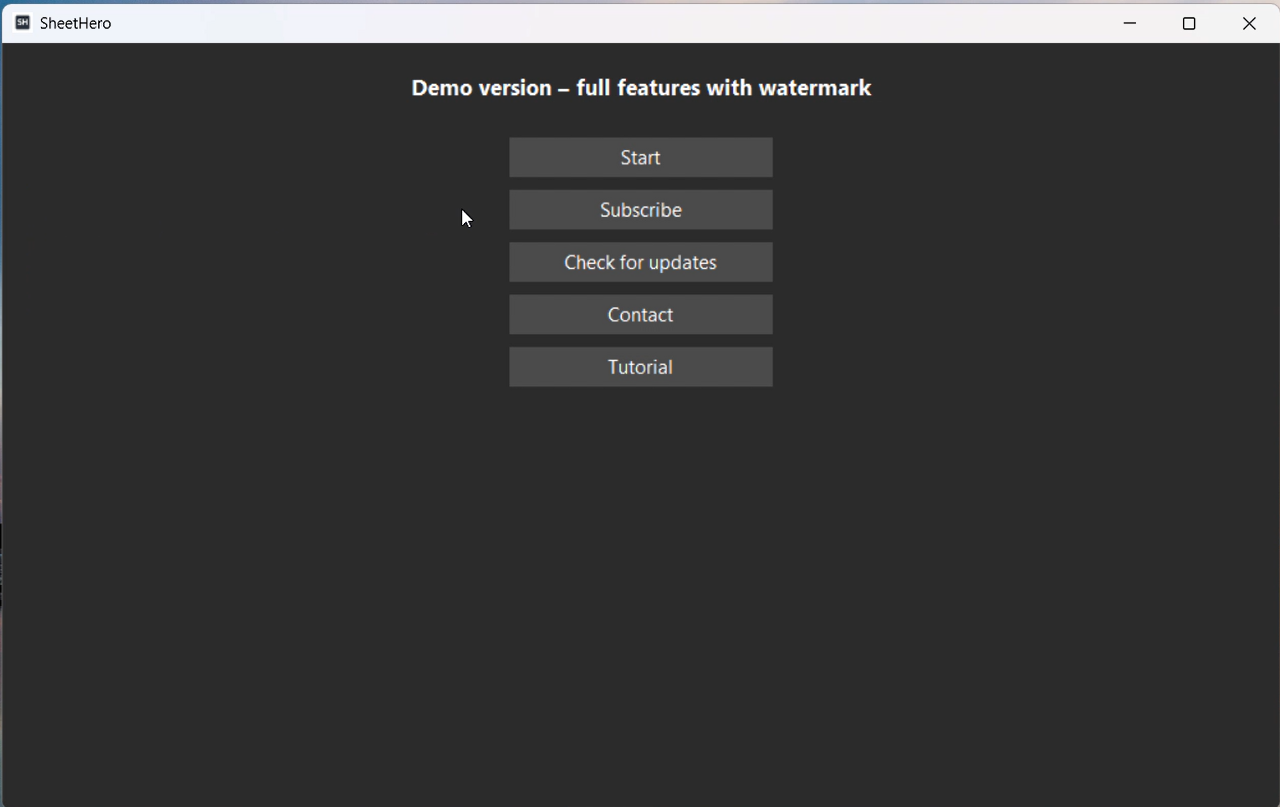
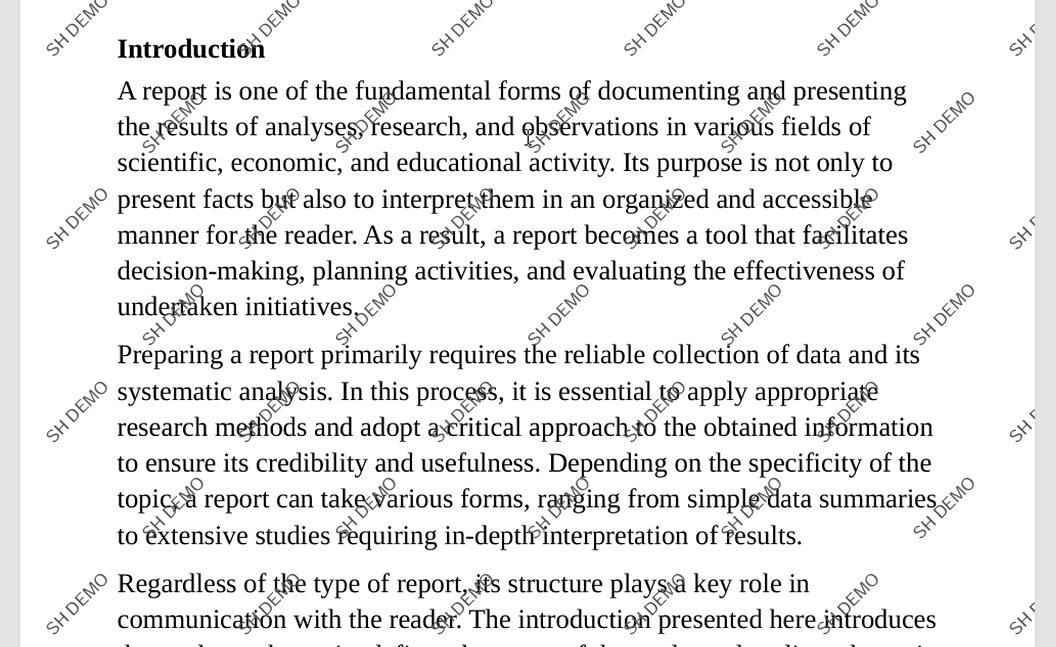
Below you can see how SheetHero works in practice — from selecting Excel files, through layout configuration, to final PDF report generation.

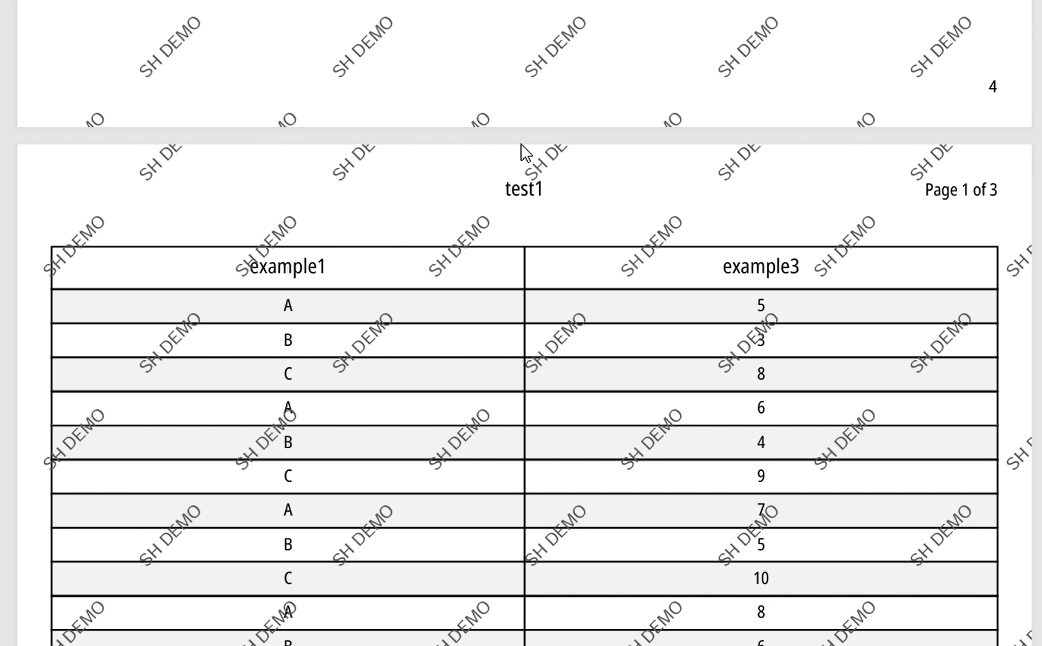
Watch SheetHero in Action
See how SheetHero converts Excel files into professional PDF reports in real time.
Start automating Excel reports today
SheetHero removes manual formatting and turns Excel spreadsheets into structured PDF reports in seconds. No coding required.
- Import multiple Excel files
- Generate structured PDF reports
- Control layout and formatting
- Export ready-to-use documents
Frequently Asked Questions
Can SheetHero process multiple Excel files?
Yes. Multiple workbooks can be imported into a single report.
Can I customize page layouts?
Yes. Layout order, columns, headers and footers can be configured.
Does SheetHero support PDF generation?
Yes. The final output is a professional PDF document.
Can I preview worksheets?
Yes. Worksheet previews are available before export.
Does the software support multiple languages?
Yes. The interface can be translated into different languages.
Excel & PDF Automation Knowledge Hub
Explore complete automation workflows from Excel processing to PDF report generation.
SheetHero
Learn more about converting Excel files into structured PDF reports in the Excel to PDF guide.
Direct download link:
https://api.pisarskicodestudio.pl/downloads/SheetHero_Setup.exe